
All Work
Production software
ShotCue AI
A custom AI video production workspace that keeps characters, locations, reference assets, shot direction and render history connected across revisions.
- James June Media role
- UX/UI Design, Web Development
- Year
- 2026
Inside the project
The thinking behind the work.
01
The need
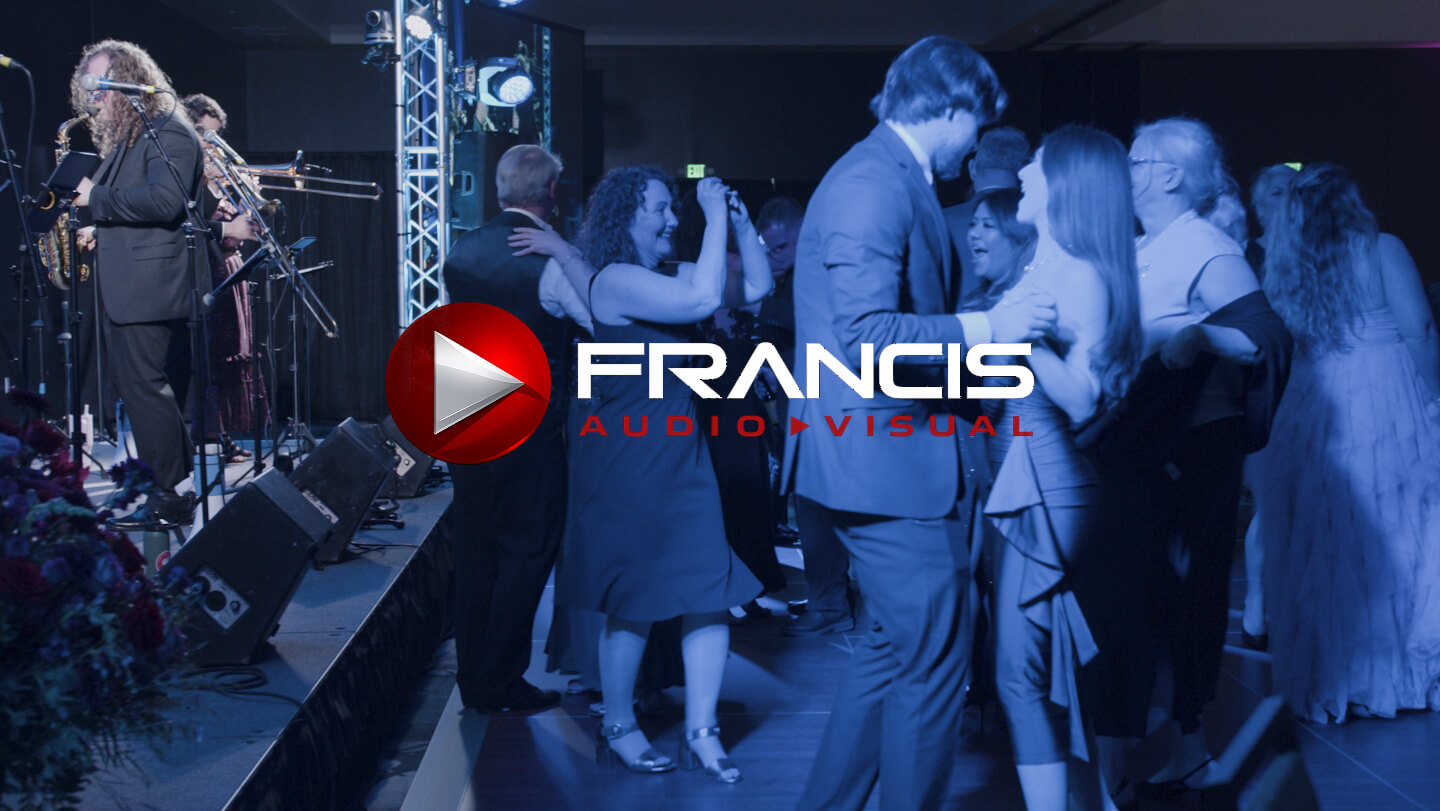
The Francis Audio-Visual campaign needed many AI-generated shots with recurring people, places and AV equipment. Working across separate chat and generation tools scattered prompts, reference images and outputs. Characters could drift between iterations, and each new session meant rebuilding the production context.
02
The idea
Treat generated video like a production with a shared source of truth. Define the recurring elements once, then give each shot its own direction while drawing from those reusable references.
03
The approach
James June Media designed and built ShotCue AI as a protected web app for projects, characters, locations, scene objects and shots. Each shot can combine its direction with reference images, continuity notes and project-level intent. The app assembles that context into a structured request for supported video models through the Kie API, then keeps render status, outputs and revisions with the shot.
04
The result
ShotCue AI supported AI-generated creative for the Francis Audio-Visual LinkedIn campaign, preserving shot context through changes in model, direction and reference assets. The broader campaign reported 31,115 impressions, 13,855 people reached and 557 LinkedIn-reported website visits. Its strongest generated video asset recorded a 3.18% click-through rate.
Inside the solution
A production workflow built around the shot.
ShotCue AI gives the creative brief, recurring references and each render a place in the same workflow. The screenshots below show how that structure supported a real video campaign.
01 / Set the direction
Start with the production, not a loose prompt.
The dashboard guides the work from project setup through character profiles, locations, scene objects and shots. A project can hold the creative brief and shared defaults before individual shots are built.
02 / Preserve continuity
Give recurring people and places a memory.
Character profiles keep appearance, performance notes, continuity rules and reference images together, with voice samples when needed. Locations carry visual anchors, camera views and scene references. Shots can reuse those records instead of restating them in every generation request.
03 / Work shot by shot
Keep the details and the revisions together.
Scene objects can hold their own images and continuity notes, down to equipment that must look the same from shot to shot. Each shot then brings its direction and references into a render request. The shot workspace keeps successful outputs, variants and status history connected to the scene they belong to.
Contribution
What the work included.
- Production workflow design
- UX/UI design
- Custom web application development
- AI video integration
Begin a conversation
What can we help you create?
Tell us what you’re working toward, who it needs to reach and where you are in the process. We’ll help identify a thoughtful next step—even if the right format is not clear yet.
Prefer a direct note?
hello@jamesjunemedia.com